
Phone Intercom by Easy Elm Coming soon
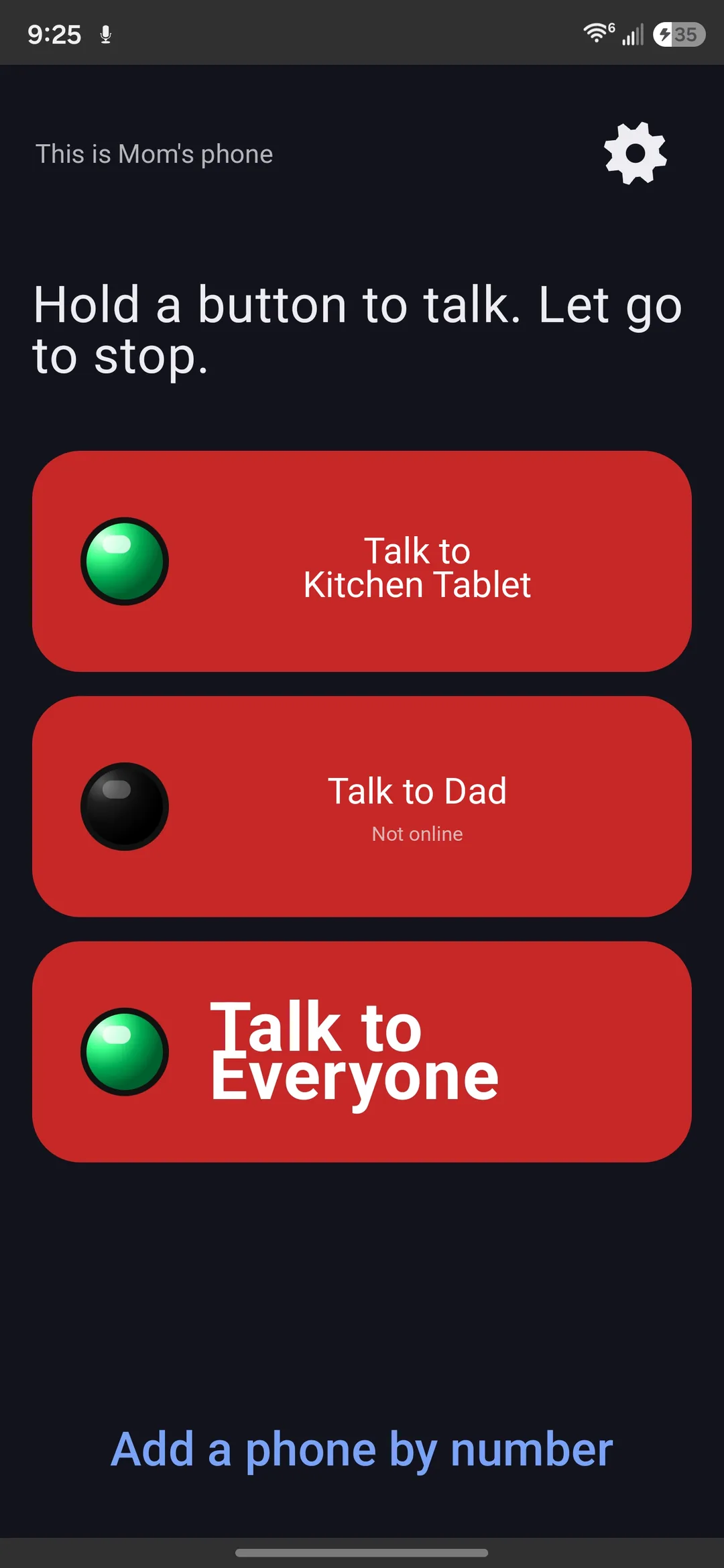
Hold a name and talk.
What it does
A push-to-talk intercom for the phones in your home or workplace.
- No account, no sign-up, and no ads.
- Works over Wi-Fi or mobile data. If the phones are on the same Wi-Fi, they can still talk even when the internet is down.
- When you hold a button to talk, your voice is encrypted so only the other phones can hear it.
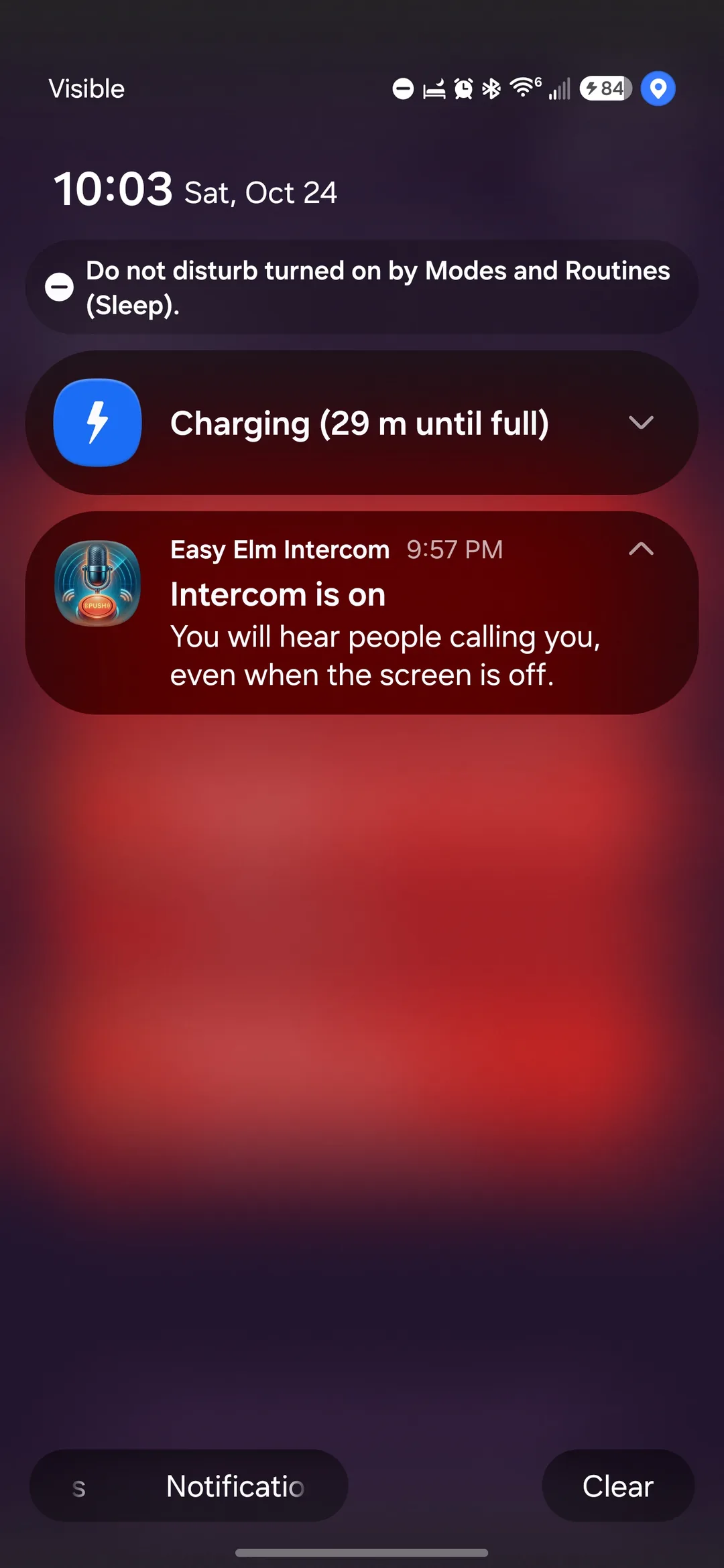
- You hear people calling you even when your screen is off.
How it works, in 3 steps
- Put the app on each phone and give each one a name.
- Phones on the same Wi-Fi can find each other on their own. They can also talk from different places when each phone has internet (Wi-Fi or mobile data).
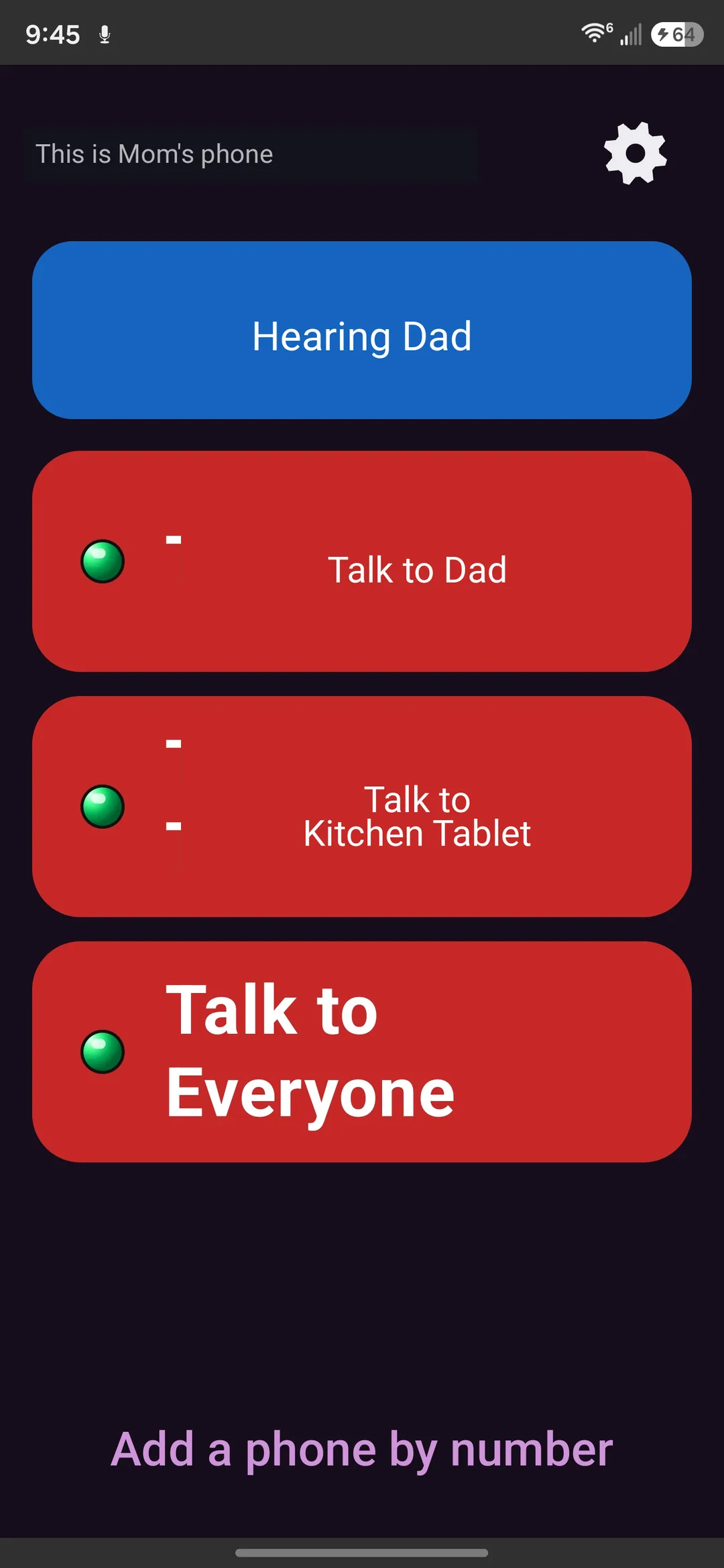
- Hold someone’s button to talk, and let go to stop. Or hold Everyone.
See it step by step
Who it’s for
Anyone who wants to talk between phones in a home or workplace — on the same Wi-Fi, or from different places over the internet. Big buttons and clear lights make it easy for all ages.
Get it
Coming soon to Google Play.
Coming soon for workplaces
One app for everyone. Start free today. Extra features for offices and businesses can be switched on inside the same app later.
Personal
- Free.
- Available in testing now.
- For a home or a small team, on the same Wi-Fi or from different places.
Business
- Up to 30 people.
- Groups and a main admin account.
- Join by scanning a QR code.
Enterprise
- 31 or more people.
- Works across buildings.
- Works on company Wi-Fi or mobile data.
Help and privacy
Questions? We’d love to hear from you. support@easyelm.com or talk with us.